Ticking bills
A tick is how you tell pinchd a bill is paid.
pinchd never looks at your bank, so it can’t know when a bill goes out. When you pay one, tick it. That’s the whole habit.
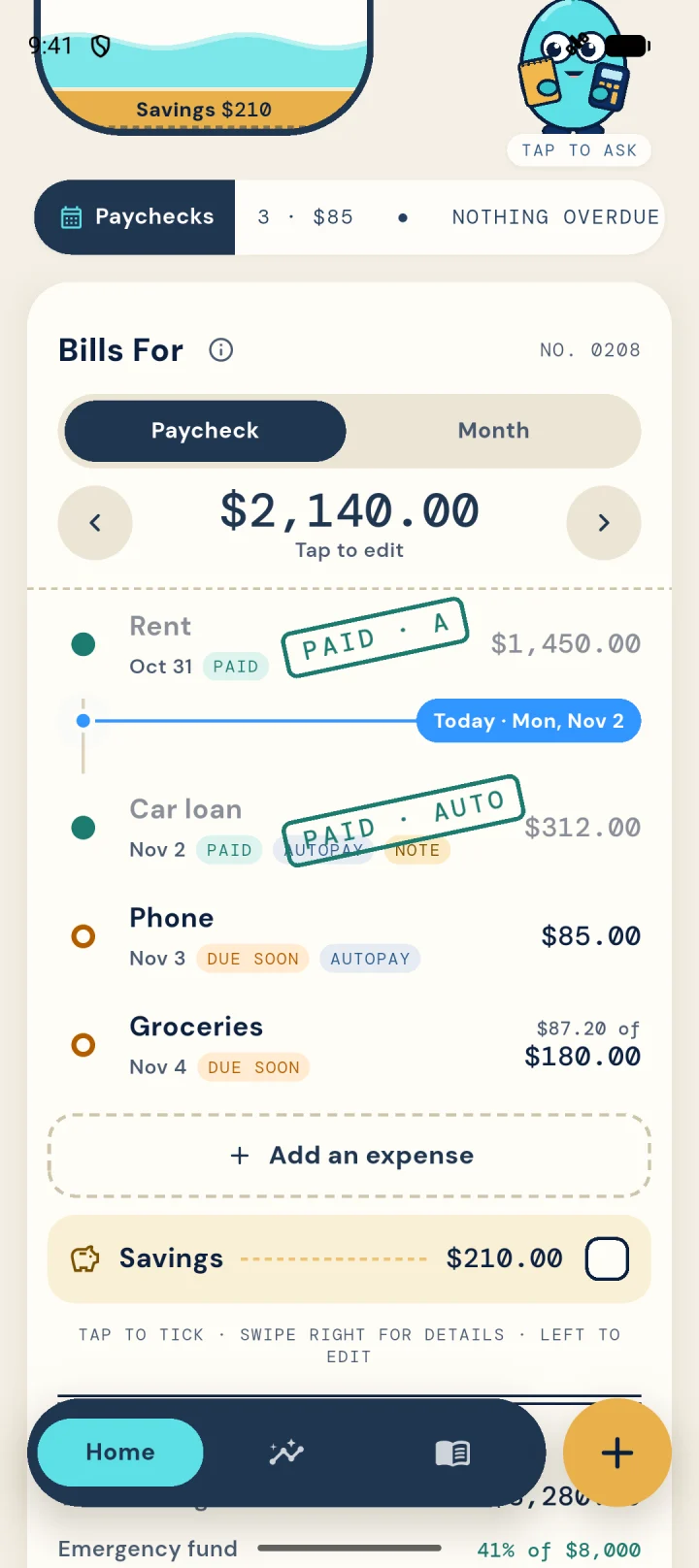
Tick a bill
- Open Home. You’ll see the paycheck you’re in now.
- Find the bill under that paycheck.
- Tap the circle next to it. It turns green.
Made a mistake?
Tap the green circle again to untick it. Nothing else changes.
In a household
Your partner sees what you tick, and you see theirs, with who ticked it. On Duo you can both tick bills; otherwise the person who built the budget does.
Still stuck?
Email supportNext: Moving between paychecks